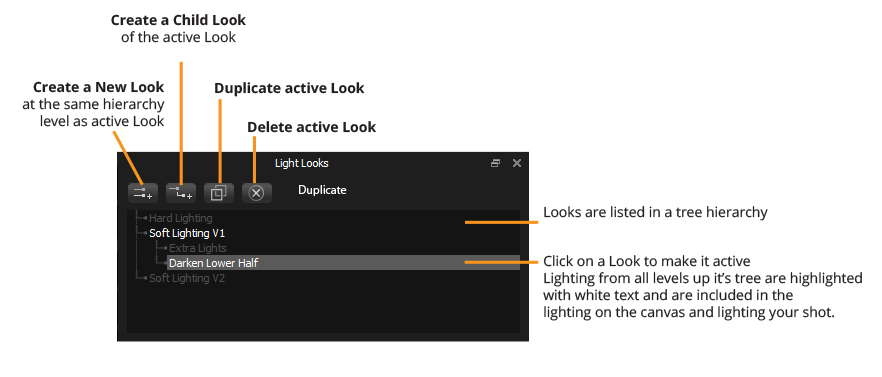
In the Looks panel, you cannot reorder Looks by dragging them, the order is fixed. Dragging over the Looks will change the active Look as you drag.
Double click on a Look to Rename it.
Buttons
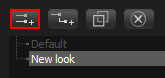
Create a New Look
This button creates a new Look at the same hierarchy level as the active Look. This is added at the bottom of the tree.
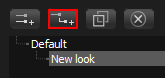
Create a Child Look
This button creates a new Look as a child of the active Look. If the Look already has children, it will be added at the bottom of the list.
Delete
Deletes the active Look, and all child Looks too.
Duplicate
Duplicates the active Look, and all child Looks too. The duplicate Look will has the same name with the word 'copy' added.
Right Click menu
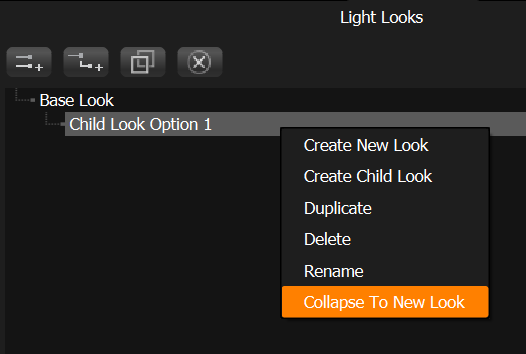
Collapse to New Light Look
Right-click on a child Light Look to collapse the full hierarchy of parents and children into a new additional single flat Light Look.
Next: Let's take a look at how Light Looks Behave